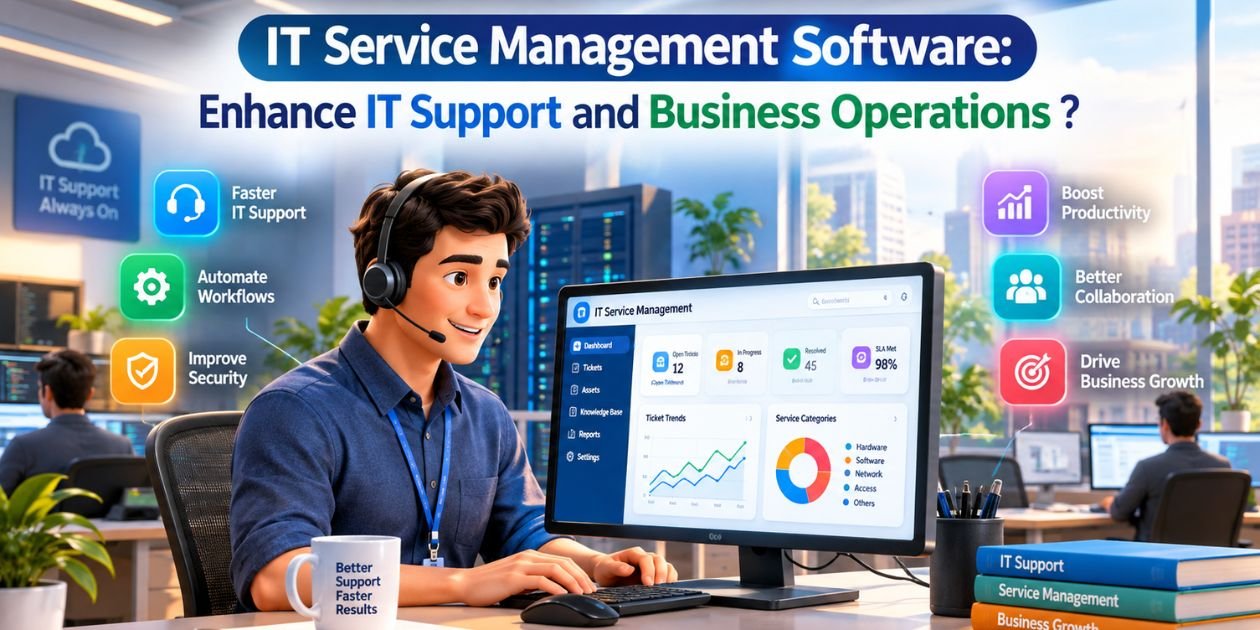
In today's digital business environment, companies rely heavily on computers, software, networks, cloud applications, and other IT infrastructure. When technical issues are not managed properly, they can impact employee productivity and business operations.
- IT Service Management (ITSM) software helps organizations manage IT support, service requests, incidents, assets, and workflows from a centralized platform.
- An effective ITSM solution provides organized processes for handling IT-related requests and incidents, while also helping support teams track their work and improve service delivery. Modern IT service management platforms typically include features such as ticket management, incident management, service requests, asset management, knowledge bases, reporting, automation, and SLA management

2) What is IT Service Management Software?
IT Service Management software—commonly referred to as ITSM software—is a business solution designed to manage and organize IT services across an organization. It provides a central system where employees can submit technical issues, request services, track tickets, and communicate with IT support teams.
- Instead of managing IT issues via email, phone calls, spreadsheets, or disparate tools, businesses can use an IT service desk to record every request and monitor its progress. ITSM can also link IT assets and services to support activities, helping teams understand which devices, applications, or systems are involved in a particular issue.

3) Key Features of IT Service Management Software?
1. IT Ticket Management
Ticket management is one of the most important features of ITSM software. Employees can create tickets for issues such as computer problems, software errors, network issues, password requests, or access requirements. IT teams can assign tickets to the appropriate technician and track their status until the issue is resolved.
2. Incident Management
Incident management software helps IT teams record, prioritize, assign, and resolve technical incidents. Support teams can monitor open incidents and escalate critical issues when necessary. This systematic approach helps minimize the impact of IT disruptions on daily operations.
3. IT Asset Management
Businesses often manage laptops, desktops, printers, servers, software licenses, and other technology assets. IT asset management enables organizations to maintain a centralized record of these assets, including details regarding ownership, status, and lifecycle.
4. Service Request Management
Not every IT ticket is an incident (problem). Employees may submit requests for new software, hardware, system access, account creation, or other IT services.
5. SLA Management
Service Level Agreement (SLA) management allows businesses to set targets for response and resolution times for various types of tickets. IT teams can monitor deadlines, receive alerts, and prioritize tickets based on service requirements.
6. Knowledge Base and Self-Service
The knowledge base stores proven solutions, FAQs, troubleshooting instructions, and internal IT documentation. Employees can search for this information to resolve common issues themselves, while support teams can reuse pre-documented solutions for recurring problems. Self-service capabilities are a standard feature of modern service desk platforms.
7. Reports and Analytics
IT managers need visibility into support performance. ITSM reporting provides data on ticket volumes, resolution times, technician workloads, SLA performance, recurring incidents, and service trends. These insights help organizations identify areas where IT support processes can be improved.

4) What are the benefits of IT Service Management software?
Implementing IT Service Management software offers numerous operational benefits for businesses. A centralized ticketing system reduces reliance on disparate emails and manual records. Automated assignment and workflow processes enable support teams to handle requests more efficiently.
- ITSM software also enhances transparency, as employees can check ticket statuses instead of repeatedly contacting the support team. Managers can monitor workloads and service performance through dashboards and reports.
- For growing organizations, centralized IT asset and service information facilitates accurate record-keeping and the standardization of IT support processes.